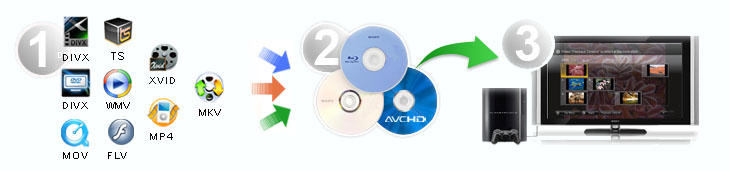
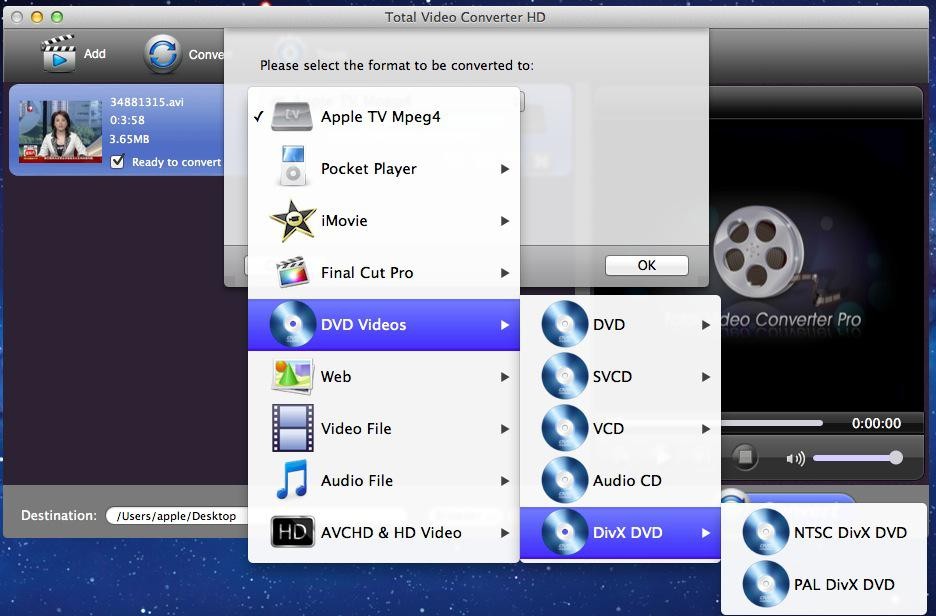
Total Video Converter HD is an all-in-one powerful Total Video Converter for Mac that makes it easy for you to convert almost all video formats for playback on ipod, iPhone, PSP, Xbox360, Zune, mobile phone and other portable media devices.
As a professional video converter software, the Mac Total Video Converter helps you to convert videos to psp at high speed with perfect output quality. With its user-friendly interface, this avi to divx Converter also supports batch conversion and setting relative output parameters before starting to convert avi to divx. |
In addition to videos to psp conversion, it can also convert between other video formats including MPEG, DVD, WMV, FLV, MKV, 3GP, RMVB, ASF, MOV, TS, VOB, DivX, XviD, AVI, GIF etc.
Need no special skill, here it will show you the step-by-step guide to convert videos to psp video formats, it is quite easy. |
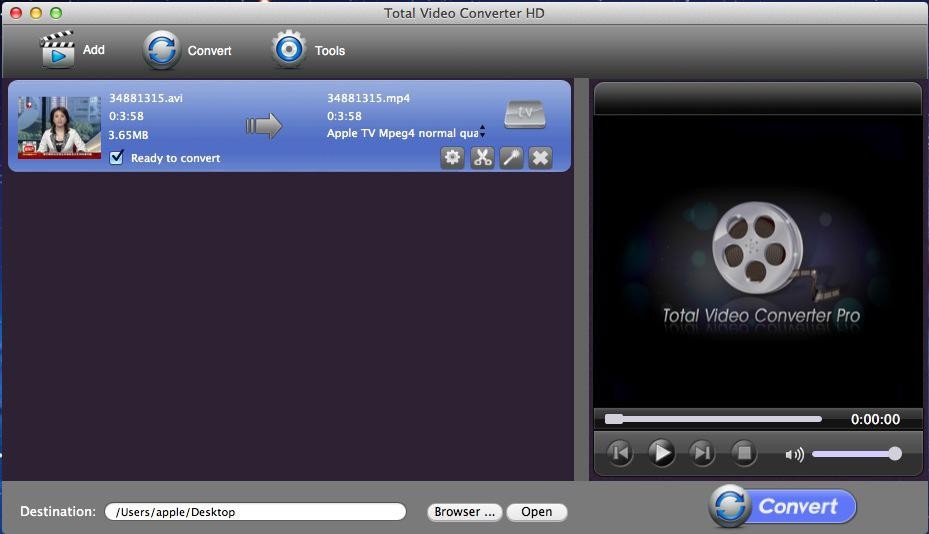
Convert videos to psp Step 1: Lauch Total Video Converter HD and load video files
Click the “Add” button, and import the video files you want to convert to the program. Total Video Converter Mac supports batch conversion, so you can load several video files at one time.
Tips: you can preview the video files in the right built-in video player.
|